X92 Game Withdrawal Guide
X92 Game Withdrawal Guide
Withdrawing money from X92 Game is crucial to enjoy your earnings. The platform provides secure and fast withdrawal options.
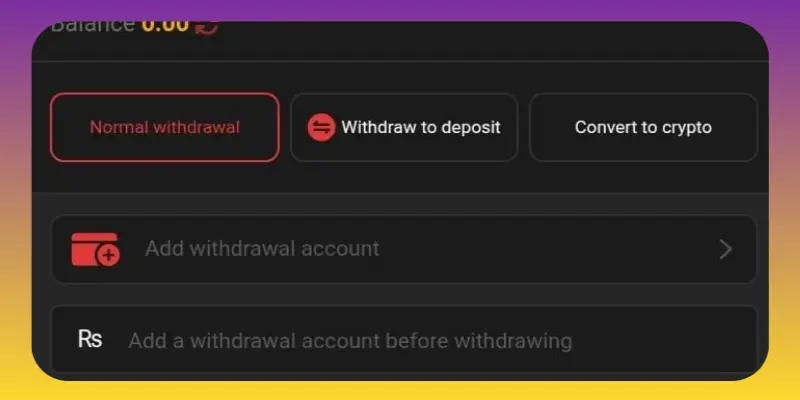
Step 1: Log in to Your Account
- Open your X92 Game account and navigate to the “Withdraw” section.
- Ensure your account is verified and meets the minimum withdrawal requirement.
Step 2: Select Withdrawal Method
- Choose from available methods like JazzCash, EasyPaisa, bank transfer, or e-wallets.
- Each method may have specific processing times.
Step 3: Enter Withdrawal Amount
- Input the amount you want to withdraw.
- Check that it meets the minimum limit for the selected method.
Step 4: Confirm Payment Details
- Provide required details such as bank account number or mobile wallet number.
- Double-check to avoid errors, as incorrect details can delay processing.
Step 5: Submit Withdrawal Request
- Confirm and submit your request.
- Most withdrawals are processed quickly, usually within a few minutes to hours.
- Track the status of your request in the account dashboard.
Tips for Smooth Withdrawals
- Ensure your payment account is active and verified.
- Keep transaction references for support if needed.
- Avoid withdrawing during peak hours to reduce processing delays.
- Contact customer support if withdrawal is delayed.
Conclusion
Following these steps guarantees a safe and efficient withdrawal experience. Proper verification and accurate details are key to accessing your earnings without issues.
Also visit Deposit Guide step by step